At a Glance: |
|---|
The best POS system in the Philippines is BIR-accredited, has a Permit to Use (PTU) for every machine, fits how you sell, and shows its full cost in writing. This guide gives you ten checks and a 10-minute shortlist test. StoreHub, used by Happilee Korean Kitchen and Yardstick Coffee, is one option to put through the same test. |
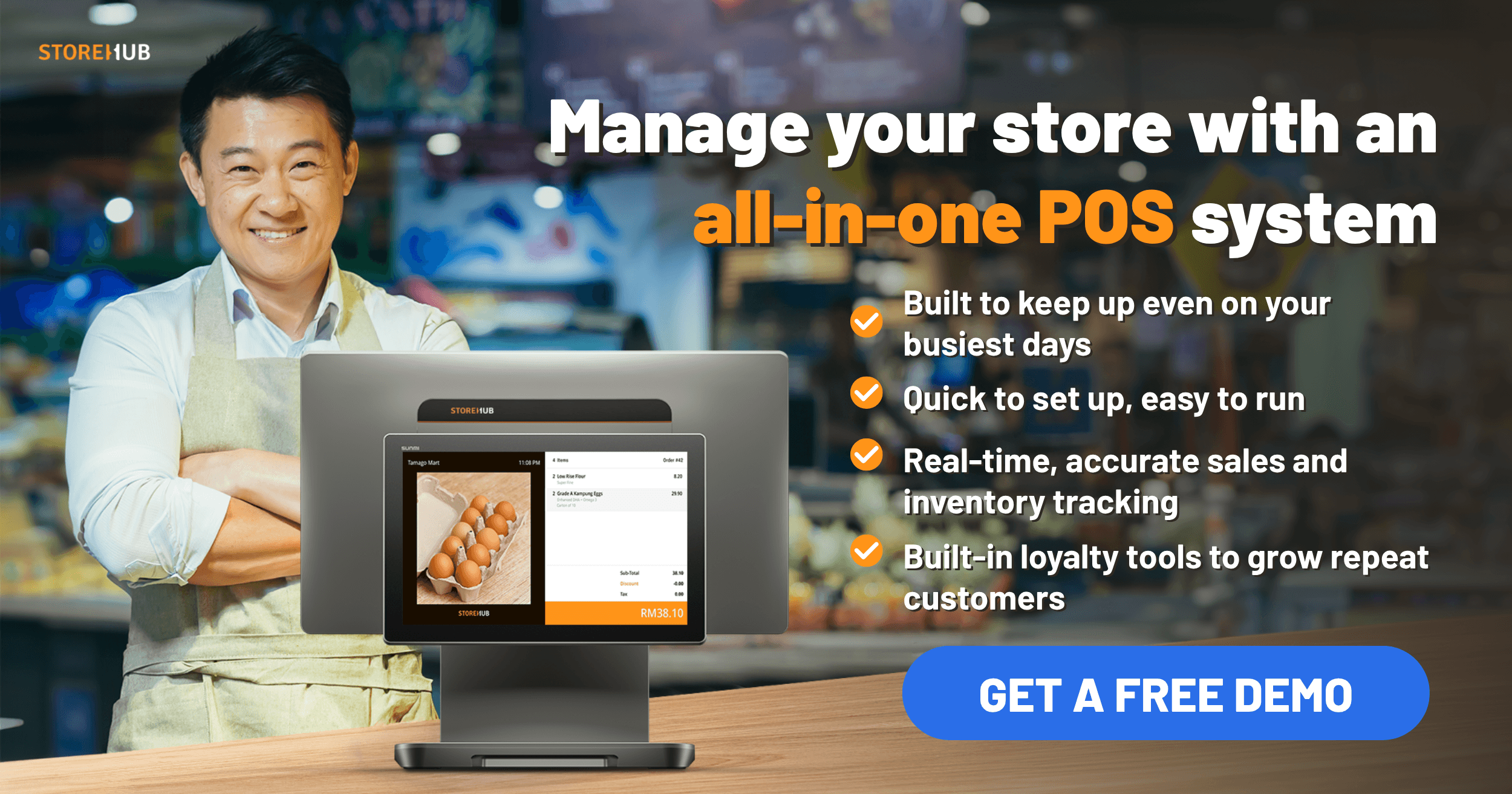
For most Filipino businesses, the best POS system comes down to two things: BIR accreditation with a PTU for each machine, and a fit with how you sell. StoreHub is a BIR-accredited POS built for cafes, restaurants, and retail shops. More than 20,000 businesses across Southeast Asia run on it, including Candid Coffee and The Weekend in Cebu.
If every quote says "BIR-accredited" but each one means something different by "per month," a ranking will not help. We sell a POS ourselves, so here is a test instead, built to run on any quote, ours included.
What decides the best POS system in the Philippines?
Ten checks decide it, each with a question to put to every vendor.
1. BIR accreditation and a PTU for every machine
Under BIR RMO 24-2023, a POS must come from a BIR-accredited supplier, and each machine needs its own PTU. Ask for the accreditation number, then ask who files each PTU and what it costs. See our BIR-accredited POS guide.
2. Mall pre-accreditation
If you lease in a mall such as SM, Ayala, or Robinsons, ask whether the mall requires its own POS accreditation on top of BIR's. Then ask which malls the vendor is already cleared with and how long a new one takes.
3. What still works without internet
Wi-Fi can drop at any branch. Ask what the POS can still do offline, such as selling and printing receipts, and what syncs when the connection returns.
4. Fit for F&B or retail
Cafes and restaurants need kitchen routing and ordering at the table. Retail shops need variants, barcodes, and marketplace stock sync. Ask for a demo with your own menu or products.
5. Inventory you can trust
The POS should deduct stock with every sale and warn you before an item runs out. Restaurants should ask about ingredient-level deduction. Retailers should ask if each size or color has its own count.
6. Payments: GCash, Maya, cards, and QR Ph
Customers in the Philippines pay with GCash, Maya, GrabPay, cards, and QR Ph. Ask which are built in, and get the full rate card before you sign.
7. Pricing per branch
One question owners ask is whether a single monthly fee covers one branch or all of them. Ask for the price per branch and per register, and whether one screen shows every branch.
8. Support when something breaks
Ask for support hours including weekends and public holidays, and for the channels (phone, chat, WhatsApp, Viber). Ask who fixes a printer failure on a Saturday.
9. Hardware
Ask whether you can bring your own device, which printers and scanners work, what the warranty covers, and whether the device and cash drawer come with the subscription.
10. Contract and total cost
A "per month" price can assume a full year of billing. Ask for the term, renewal and cancellation rules, the PTU fee, and the first-year total in writing. Our restaurant POS price guide shows how the layers add up.
How do BIR accreditation, PTU, and e-invoicing fit together?
These are BIR's own rules, so you can check any vendor against them.
Step | What BIR sets out | Source |
|---|---|---|
Accredited supplier | A POS, bundled with hardware or sold as software, must be BIR-accredited and registered. BIR must post the accredited list online. | |
Permit to Use | Each machine gets its own PTU. The receipt prints the supplier's accreditation number and the machine's PTU number. | |
Invoice first | Under the Ease of Paying Taxes (EOPT) rules, the invoice is the principal sales document and an official receipt only proves payment. | |
E-invoicing rollout | RMC 98-2026 (September 22, 2026) requires covered taxpayers, such as e-commerce sellers, large taxpayers, and taxpayers using a computerized accounting system (CAS) or other invoicing software, to issue e-invoices by December 31, 2026. Micro taxpayers, with gross sales under PHP 3 million a year, are exempt. |
Checked October 12, 2026. Rules change and this is not tax advice, so confirm the latest with BIR or your Revenue District Office (RDO), including whether the e-invoicing rollout covers you.
Which kind of POS fits your business?
Your business | Look for first |
|---|---|
Sari-sari store or stall, cash only | Low cost and simple records. Ask your RDO what you must issue. |
Single-counter cafe | Fast ordering and readings at close |
Restaurant or multi-branch F&B | Kitchen routing, ingredient-level stock, one view of every branch |
Retail shop selling online | Variants, barcodes, stock synced across shelf and marketplaces |
Mall unit | Mall accreditation and BIR paperwork on schedule |
A 10-minute shortlist checklist
Run these five tests on a demo call.
The receipt test. Ask for a sample receipt. Look for the accreditation and PTU numbers.
The BIR test. Confirm the accreditation number with BIR. If the e-invoicing rollout covers you, ask how the system will handle it.
The router test. Unplug the router and see what still works.
The cost test. Get the first-year total for one branch and for three, with hardware and the PTU fee, in writing.
The Saturday test. Ask who answers on a Saturday night, and by which channel.
How StoreHub measures up
Here is how StoreHub's POS answers the checks.
BIR and malls. StoreHub is BIR-accredited. X-readings, Z-readings, and e-journals are generated automatically, Senior Citizen and PWD discounts are automated on the receipt, and mall pre-accreditation saves time if you lease in a mall. PTU registration assistance is an onboarding service.
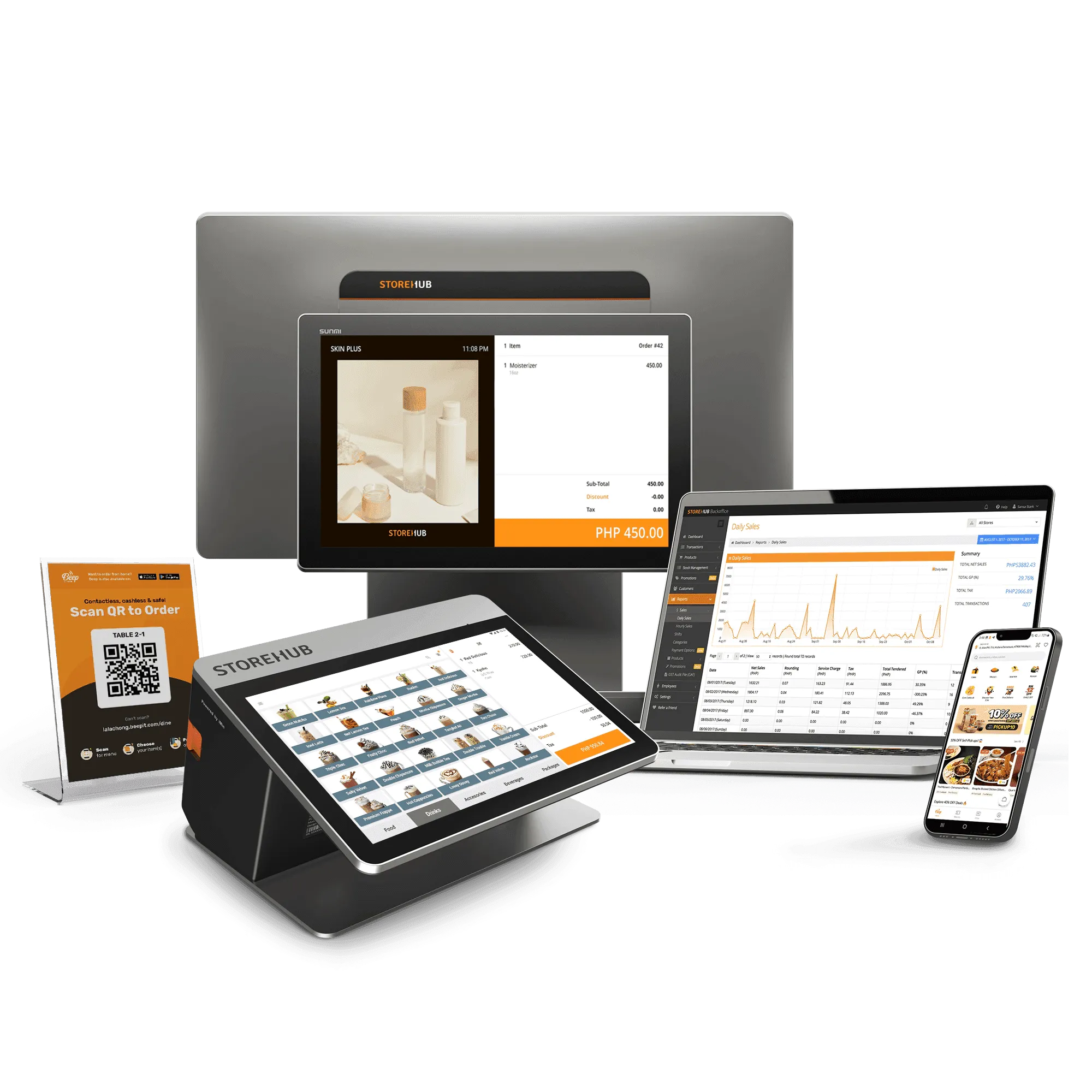
Fit. For F&B, the Kitchen Display System routes orders to station screens, and QR Order & Pay lets guests order and pay from their phones. For retail, inventory tracks every size, color, or style, and Marketplace Integration (outside the three standard plans) syncs stock with Shopee, Lazada, and TikTok Shop.
Inventory. Inventory management deducts stock with every sale, with barcode scanning and low-stock alerts. Transfers between outlets and ingredient-level tracking come with the Advanced and Pro plans.
Payments and branches. Payments cover GCash, Maya, GrabPay, QR Ph, bank payment apps, and cards. On Advanced and Pro, multi-outlet management runs 2 or 200 outlets from a single BackOffice dashboard.
Hardware and support. StoreHub runs on Android devices with thermal printers and barcode scanners, backed by a local Philippine support team.
StoreHub's POS keeps selling if the Wi-Fi drops and re-syncs when it returns. Support hours, mall accreditation, per-branch pricing, hardware, and contract terms are best settled live, so ask us about them in a demo, as you would any vendor.
Voices from Filipino operators on StoreHub
On choosing a system:
"I explored many POS options, but none were enough for a growing business. I needed something BIR-accredited, fast, and F&B-friendly. After almost two years with StoreHub, it's proven to be the perfect fit for us."
Jona Lee, Co-Founder of Happilee Korean Kitchen
→ See StoreHub for F&B businesses
The Philippine roster also includes Yardstick Coffee, Boxed Blossoms, and others.
When StoreHub is not the right choice
Like any system, StoreHub fits some businesses better than others. Picture a one-counter halo-halo stall in a Cebu public market that runs on cash, with no second stall planned. A free POS like Loyverse on a tablet is the honest recommendation there. It is simpler, cheaper, and does what the stall needs. Or picture one F&B outlet in Davao with no plans for more, whose owner prefers a Philippine company. UTAK, a Quezon City-based cloud POS made for Filipino businesses, is a fair fit there.
But if you are already thinking about a second branch, GCash and card payments, a mall unit, or selling online too, that is where StoreHub starts to matter, because switching later means starting over on menus, stock, and staff training.
StoreHub pricing in the Philippines
The Starter plan starts from PHP 2,249 per month. Every plan includes one register and one store, with extra registers and stores as add-ons.
Plan | From | Best for |
|---|---|---|
Starter | PHP 2,249/month | One outlet getting started |
Advanced | PHP 4,499/month | Growing businesses |
Pro | PHP 8,999/month | Established groups that want a full-service setup |
A 14-day free trial is available, no credit card required. StoreHub also helps you apply for the BIR Permit to Use for each register. See the pricing page for plan details and add-ons.
Compare side by side
Our earlier comparison pages are StoreHub vs UTAK, StoreHub vs Loyverse, and StoreHub vs Peddlr. They were published in 2023, so confirm current details with each vendor.
Frequently asked questions
What is the best POS system in the Philippines in 2026?
There is no single best POS system. The best one is BIR-accredited, fits how you sell, and shows its full first-year cost in writing. Run the ten checks on every vendor, StoreHub included.
Do I need a BIR-accredited POS system in the Philippines?
Yes, if you use a POS to issue your sales documents. According to BIR's RMO 24-2023, a POS must be BIR-accredited and each machine registered with a PTU. Check with your RDO what applies to you.
How much does a POS system cost in the Philippines?
The total comes down to four cost layers: software subscription, hardware, PTU registration, and payment processing. StoreHub's software starts from PHP 2,249 per month. Ask every vendor for the first-year total in writing.
Can a POS system work without internet in the Philippines?
Some can, to a degree. StoreHub's POS keeps selling if the Wi-Fi drops and re-syncs when it returns. Ask which payments, such as cards and e-wallets, still work offline.
What POS systems support GCash and Maya payments in the Philippines?
StoreHub accepts GCash, Maya, GrabPay, QR Ph, and bank payment apps, plus cards. Wallet support differs by vendor, so check each one's list. Before you sign, ask for the full rate card, including what each wallet costs per transaction.
What is QR Ph and does my POS system need to support it?
QR Ph lets customers pay by scanning a QR code from their bank or e-wallet app. It works alongside cash and cards, and customers can pay through it with GCash, Maya, GrabPay, or a bank app. StoreHub supports it. Ask any other vendor whether theirs does.
See StoreHub in action
See how StoreHub runs across 20,000+ Southeast Asian businesses, from single-outlet cafes to multi-branch retail groups. Book a free demo for a live walk-through.